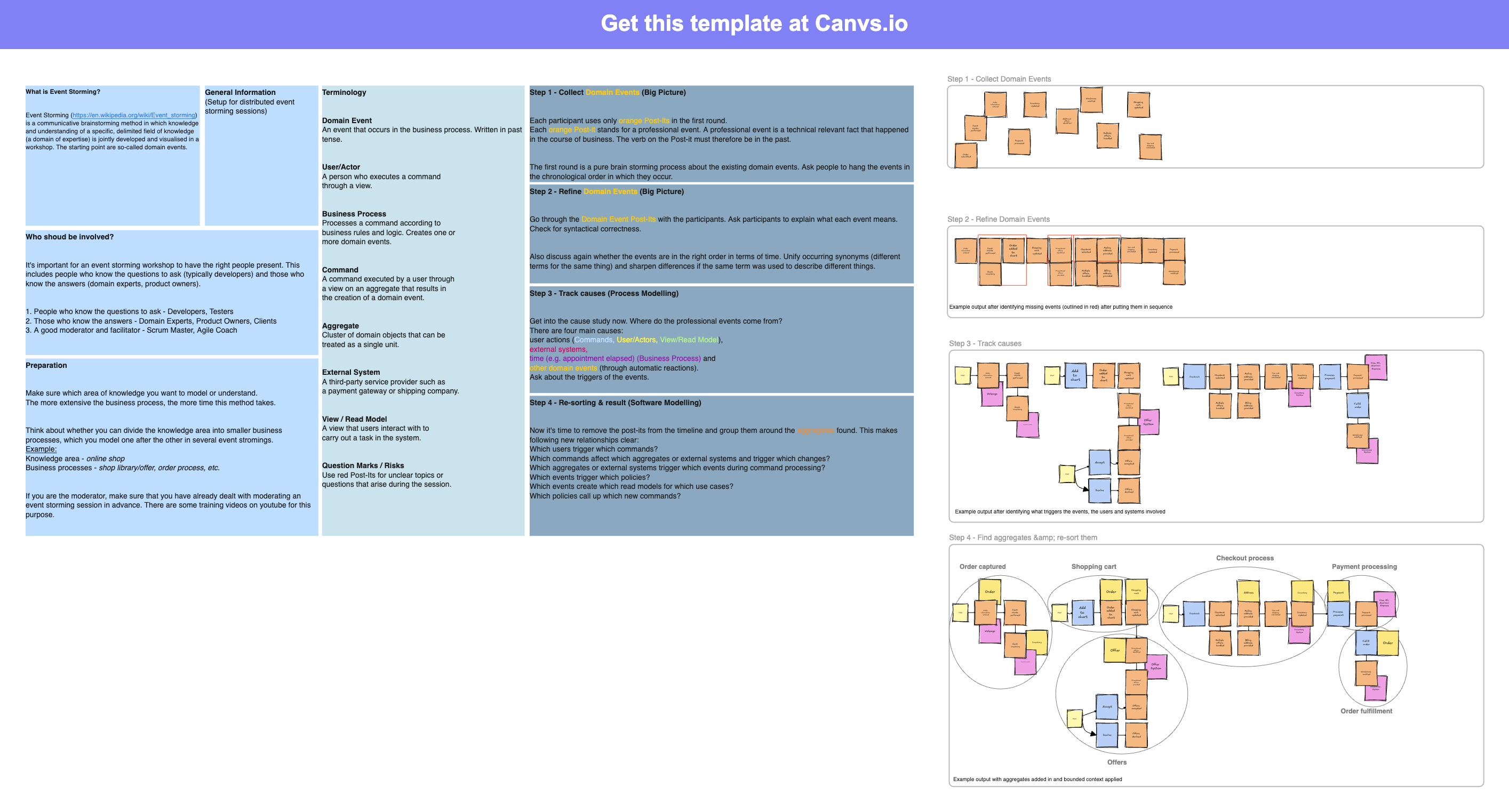
The Event Storming template gives your team one board for a work flow. Use it to map events, commands, actors, rules, systems, and questions.
What's included
- Event notes for what happened
- Areas for commands, actors, rules, and systems
- Space for risks and questions
- A left-to-right flow over time
When to use
Use this template for a hard work flow, a new feature, a bounded context talk, or team alignment before build work starts. It works well for discovery workshops and design work.
How to get started
Invite the people who know the domain. Start by adding events in time order. Add the commands and actors that trigger those events. Mark unclear or risky areas as questions for later.
FAQ
What is an event storming template used for?
Teams use an Event Storming template to map a work flow with events, commands, actors, rules, systems, and questions. It helps the group agree on a shared model before build work starts.
Who should join an event storming workshop?
Include people who know the domain from different sides. Product, design, support, ops, and business teams can all add useful context. A focused workshop works best with 5 to 10 active people.
How long does an event storming session take?
A session for one work flow can take 60 to 90 minutes. For a larger domain, plan a half-day workshop or split the work across shorter sessions. Leave time to map events and note follow-up questions.
How do you use this event storming template in canvs.io?
Open the template and invite your team. Place events from left to right in the order they happen. Then add commands, actors, rules, systems, and hotspots around the event flow.